Install
Download from GitHub Releases and choose the latest version for your platform:
- macOS Apple Silicon,
.dmg - Windows
.exe
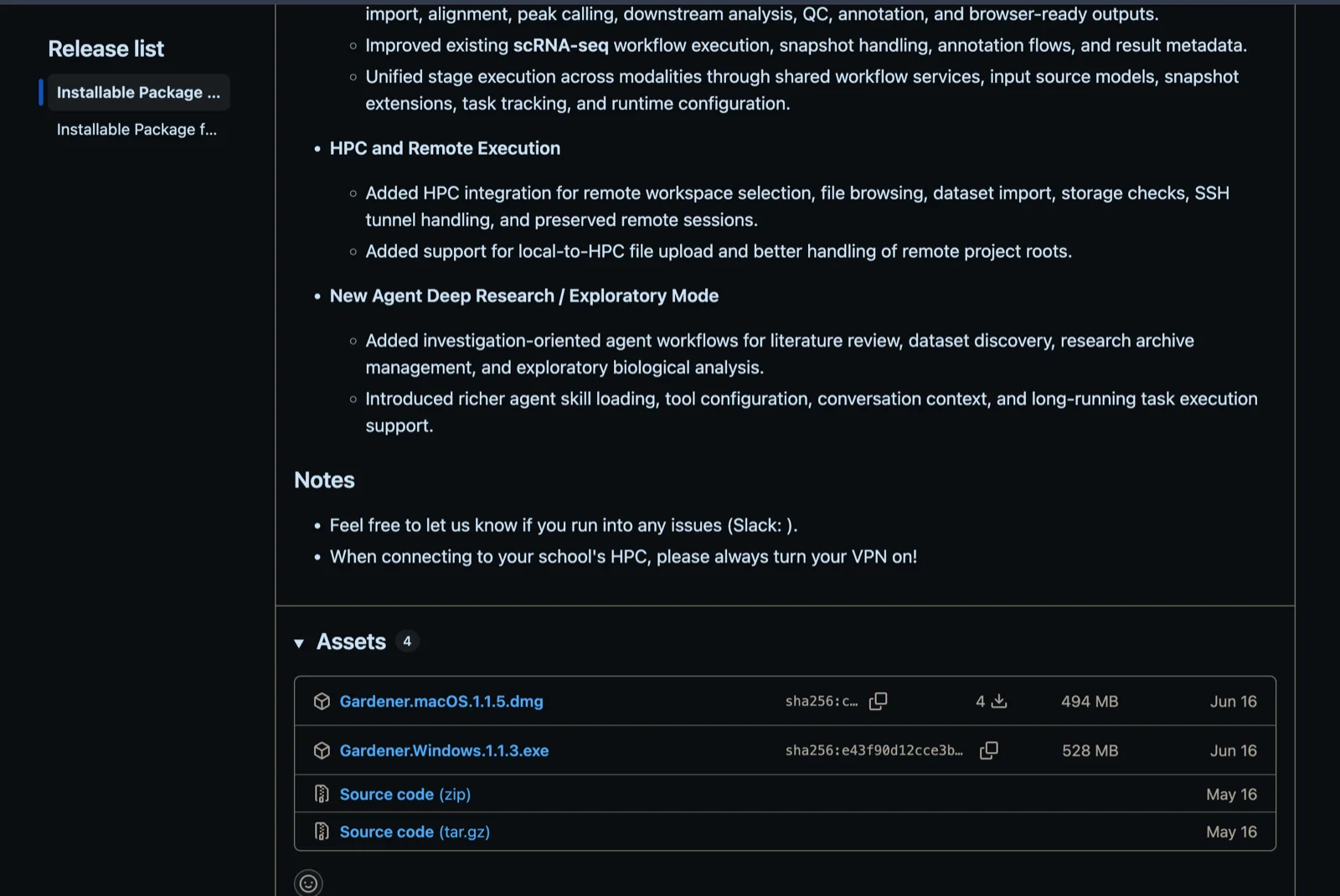
macOS
After downloading the dmg file, double click it and drag the app to Applications.
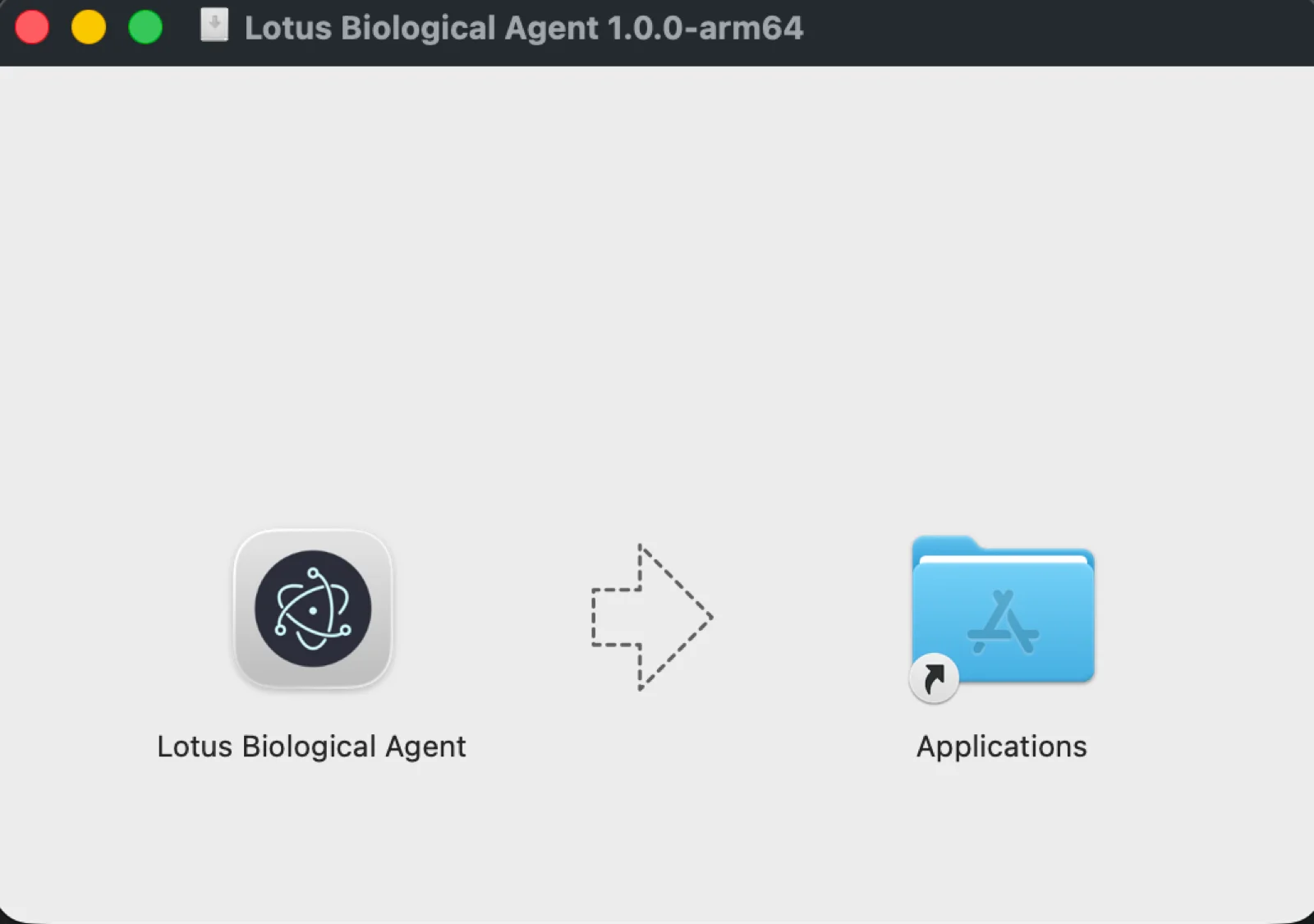
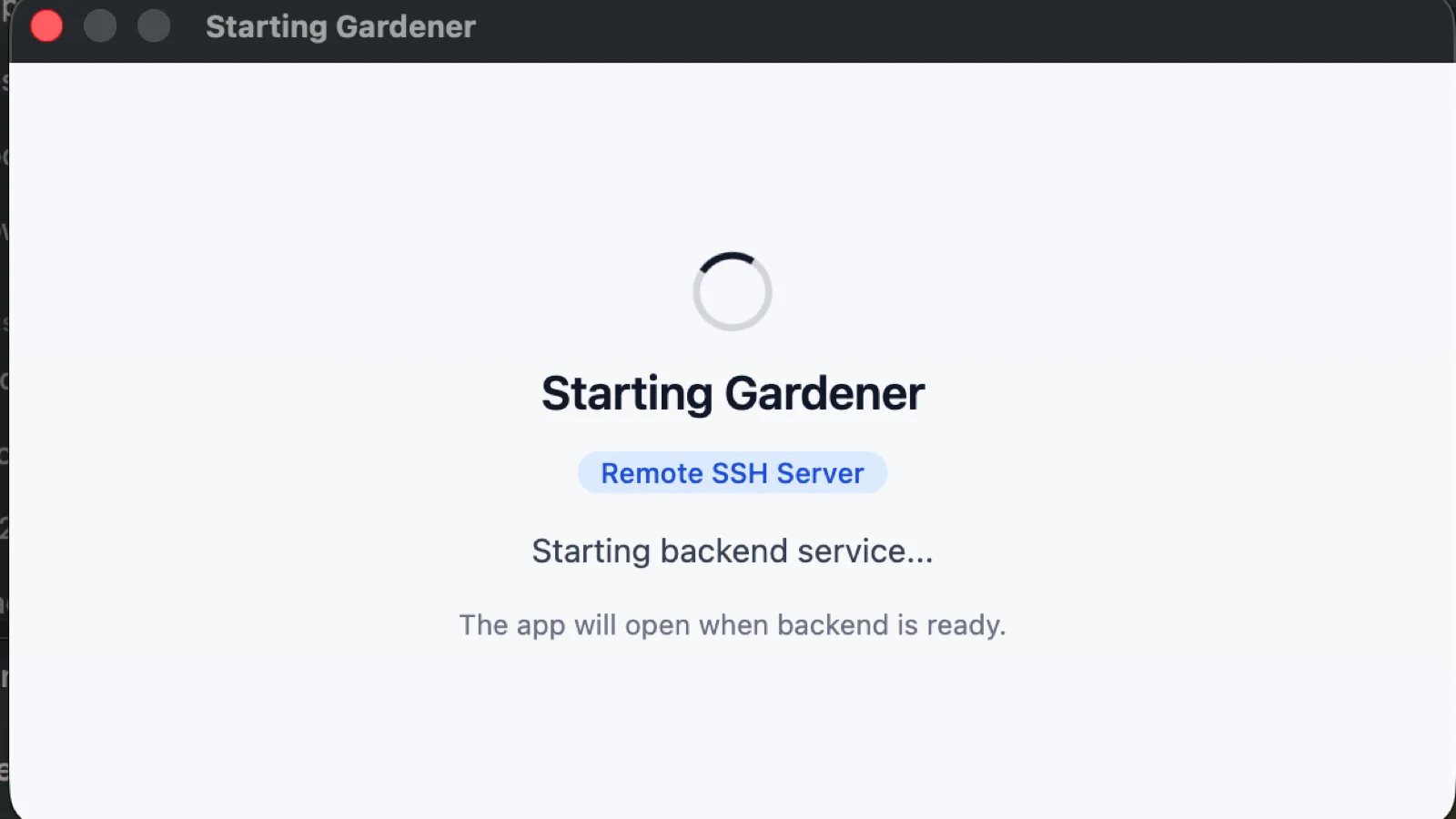
When it finishes, search for Lotus Biological Agent by pressing ⌘ + Space and open it.
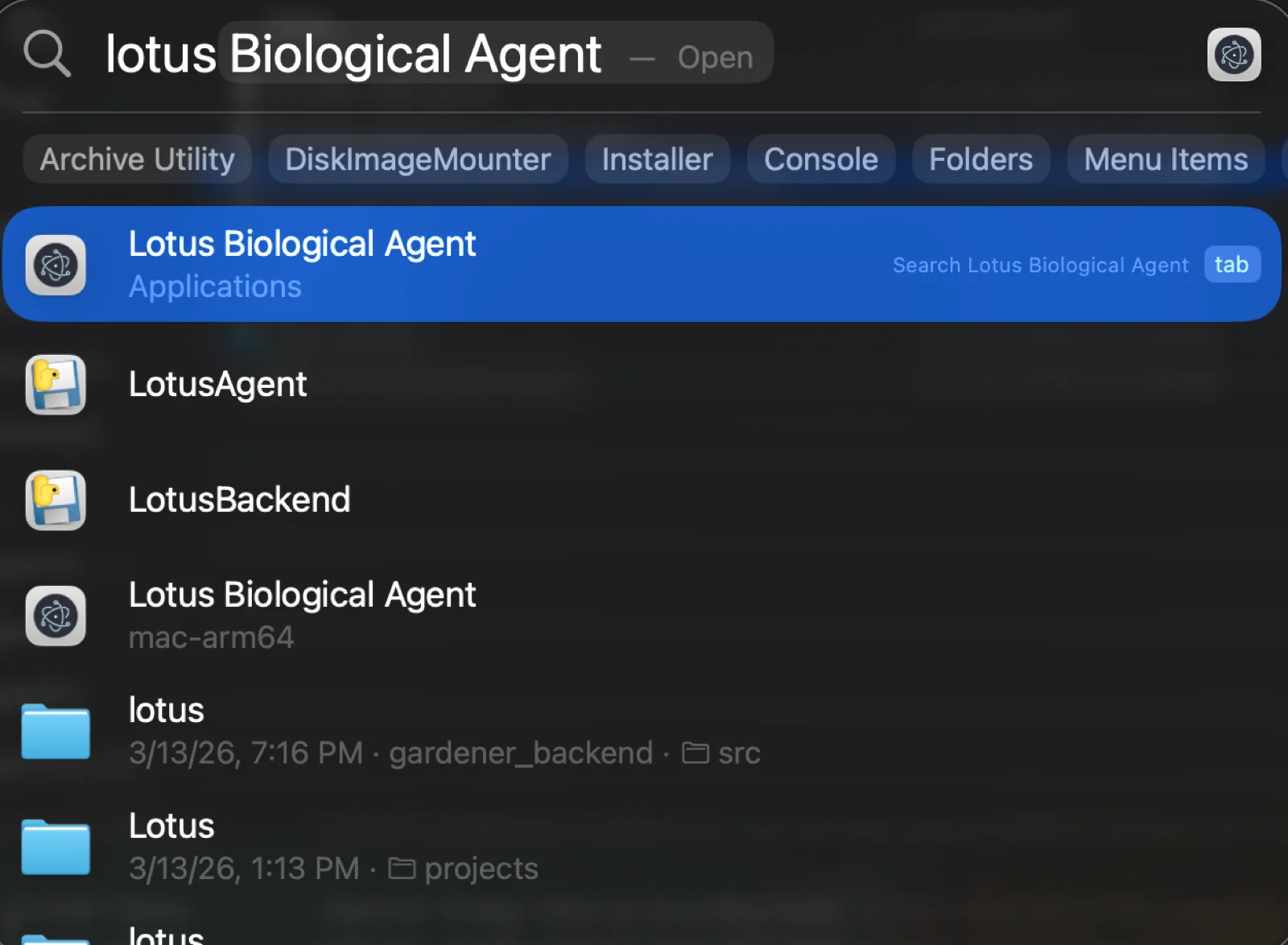
If Gatekeeper still blocks the app, clear the quarantine flag instead:
xattr -d com.apple.quarantine "/Applications/Lotus Biological Agent.app"
Windows
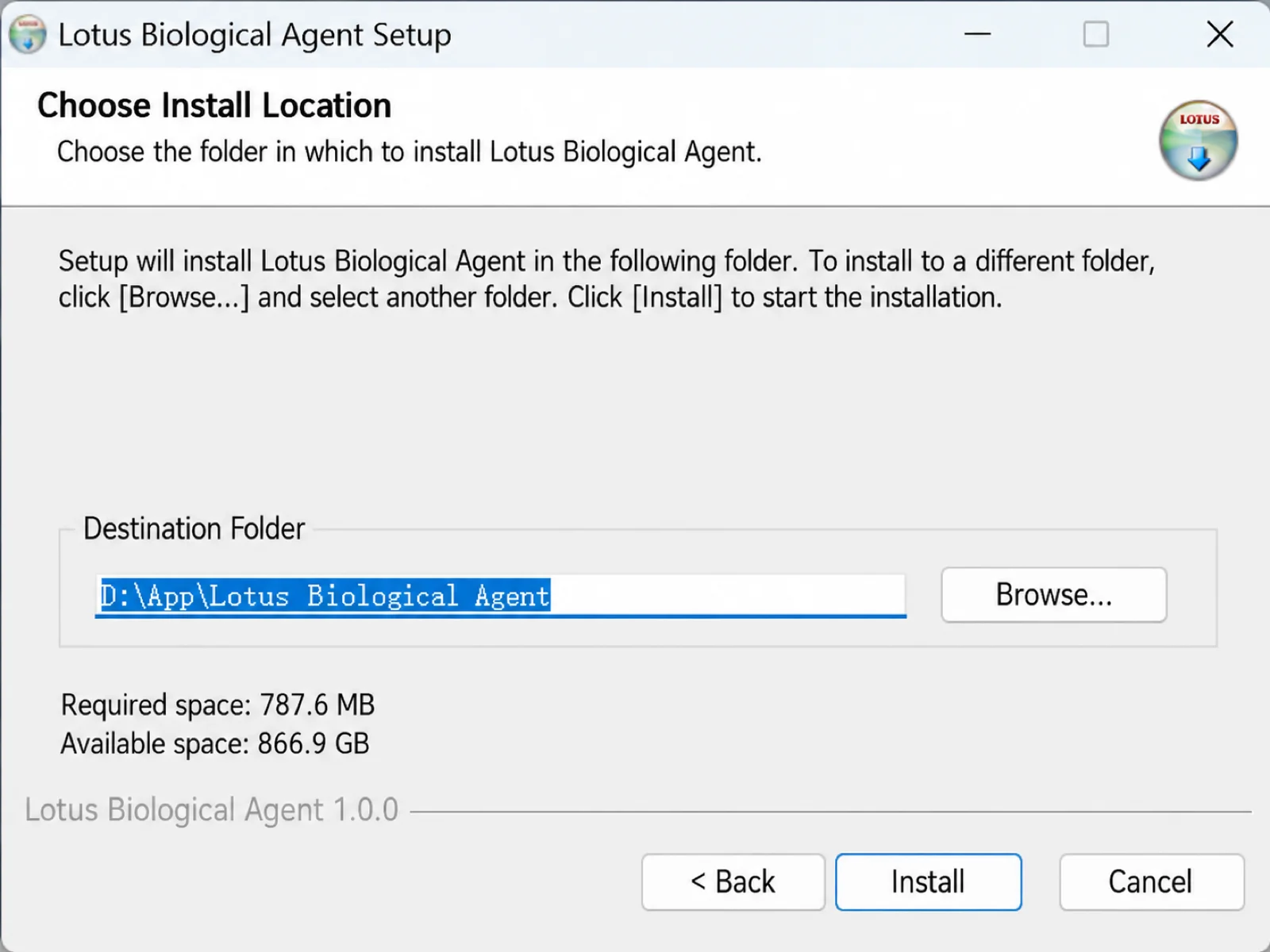
Run the installer. At the SmartScreen prompt, choose next.
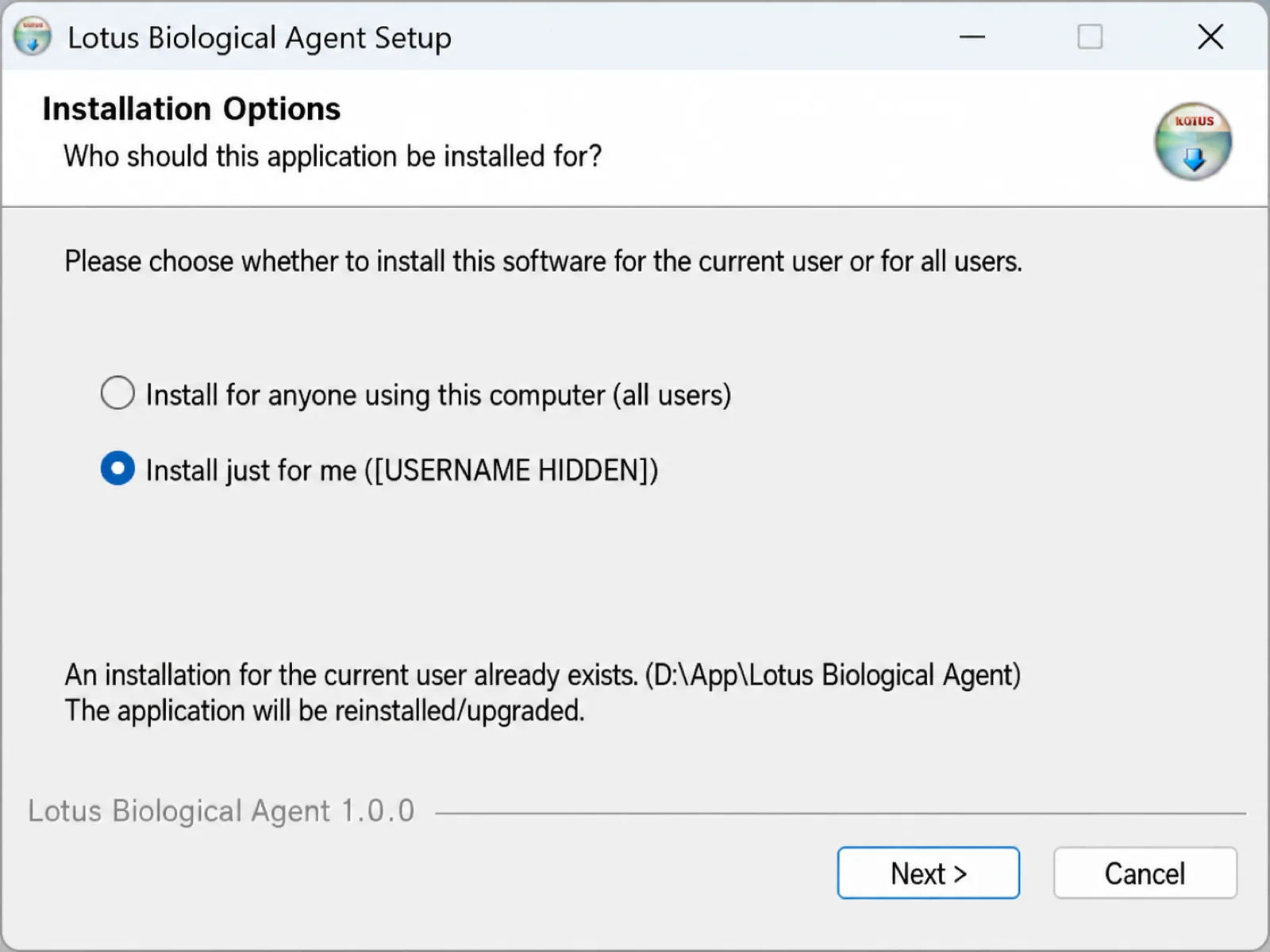
Select your preferred installation path and click Install.