Analysis
Configure a Pipeline and Run
01 / RUN
Run an Analysis
Once the app is installed and your data is imported (see the setup guide), running an analysis takes a few clicks. Every command, parameter, and result is tracked, so you can revisit or compare runs later.
- Select the dataset.
- Pick an analysis and fill in the form.
- Choose Run Analysis for a single step, or Run Pipeline for the whole workflow.
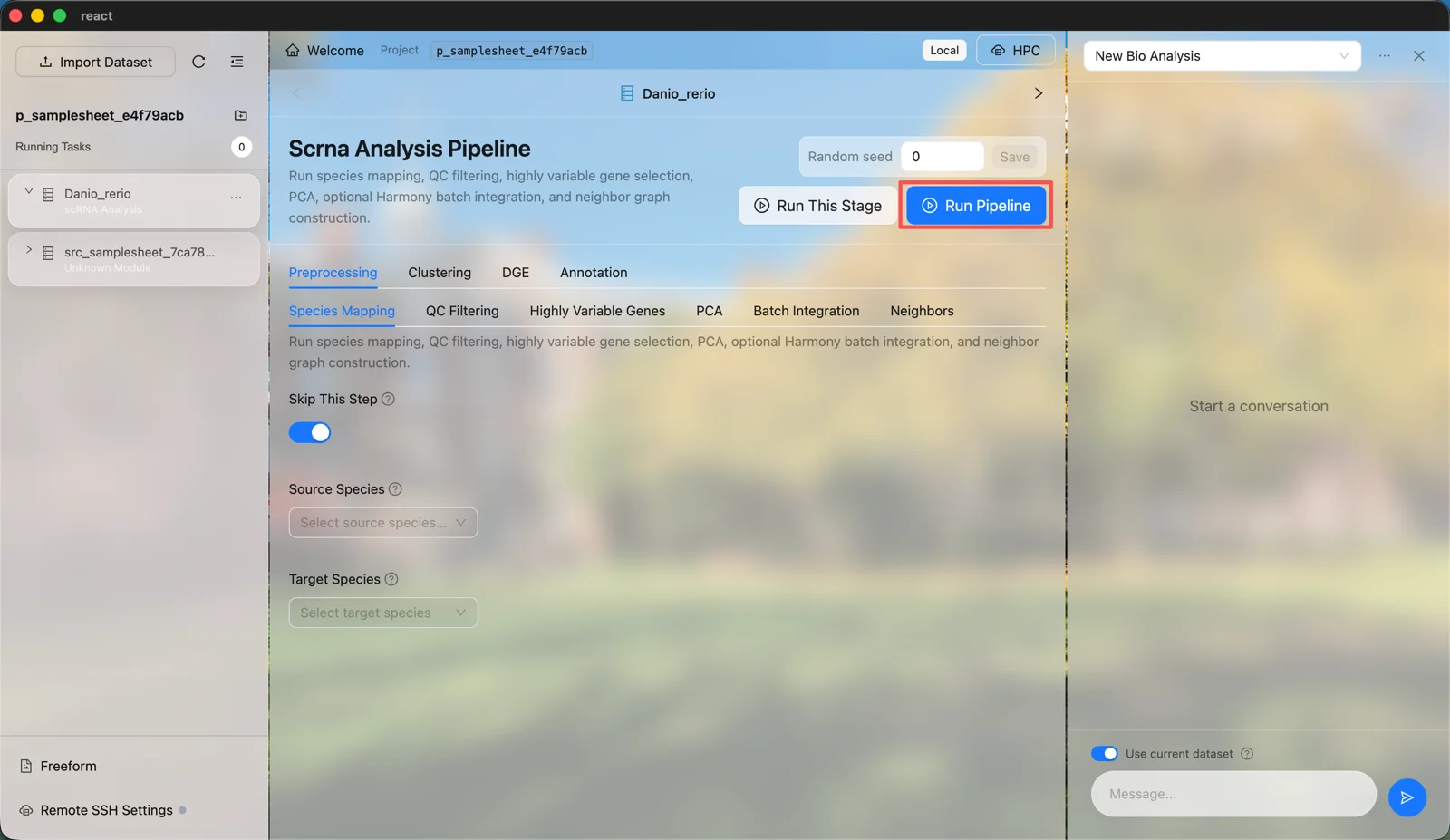
No LLM API key is required for this path.
02 / DEMOS
See the Pipelines Run
Five demos, one per assay. The intro covers a full single-cell RNA-seq run, then bulk RNA-seq, ATAC-seq, ChIP-seq, and whole-genome sequencing end to end.